Secure S3 Bucket construct with CDK version 2
Build a secure S3 bucket CDK construct that complies with enterprise security frameworks using projen and CDK version 2.

Background
As mentioned in my previous blog, Enterprises often have strict security standards in place. Such as requirements that deployments must occur via Infrastructure as Code, deployed to AWS accounts via pipelines etc. Most Enterprises take it up a notch with describing how resources should be configured securely in the cloud. Services as AWS Organizations, SecurityHub, Config, Inspector and GuardDuty make it possible to control and evaluate checks and measure these results with the Companies Security Framework.
This blog will describe how to make a CDK S3 Bucket construct to comply to the Security Framework of such an Enterprise.
Prerequisites
- Access to an AWS Account with proper rights to deploy resources.
- CDK knowledge. Check out cdkworkshop.com and cdk-advanced.workshop.aws
- Projen, a new generation of project generators.
I have chosen to use Projen. It comes out of the box with the ability to create AWS CDK Typescript Constructs.
Installation
First let us start with creating a directory and install projen:
➜  mkdir secure_bucket_construct && cd secure_bucket_construct
➜  npm install -g projen
➜  npx projen new awscdk-construct
Real World Scenario
At a company where I am located now, a strict Security Framework has been implemented. This results in AWS Config rules which checks your resources and mark them as Noncompliant when they do not match that particular rule.
One of those resources which pop up as Noncompliant resources when deployed out of the box via CDK, are S3 Buckets. The reason not being compliant to the Security Framework is that an S3 Bucket needs to have the following configurations in place:
- Public access needs to be blocked
- Versioning needs to be enabled
- Connection to a bucket must use Secure Socket Layer
- Access logging needs to be enabled on the bucket
- Bucket and content needs to be encrypted by a customer managed KMS key
With normal implementation of the Level 2 S3 construct as created by the CDK team, the code would look like this:
new Bucket(this, 'Bucket',{
  enforceSSL: true,
  versioned: true,
  accessControl: BucketAccessControl.LOG_DELIVERY_WRITE,
  serverAccessLogsPrefix: 'access-logs',
  blockPublicAccess: BlockPublicAccess.BLOCK_ALL,
  encryption: BucketEncryption.KMS,
  encryptionKey: new Key(this, 'BucketKey', {
    enableKeyRotation: true,
  })
})
This ends up in 12 rows of code. Imagine creating a lot of buckets in your application. Would it not be more convenient to just import a L3 Bucket construct which takes care of all this?
Go Build
Open the .projenrc.js file and configure CDK version 2:
const { awscdk } = require('projen');
const project = new awscdk.AwsCdkConstructLibrary({
  author: 'Yvo van Zee',
  authorAddress: 'yvo@yvovanzee.nl',
  cdkVersion: '2.4.0',
  defaultReleaseBranch: 'main',
  name: 'secure_bucket_construct',
  repositoryUrl: 'https://github.com/yvthepief/secure_bucket_construct.git',
  peerDependencies: [
    'aws-cdk-lib',
    'constructs'
  ],
});
project.synth();
Run npx projen to install all packages.
src code
Open the file src/index.ts and add the secure bucket construct:
import { Key } from 'aws-cdk-lib/aws-kms';
import { BlockPublicAccess, Bucket, BucketAccessControl, BucketEncryption, BucketProps } from 'aws-cdk-lib/aws-s3';
import { Construct } from 'constructs';

export class SecureBucket extends Construct {
  public bucket: Bucket;

  constructor(scope: Construct, id: string, props?: BucketProps) {
    super(scope, id);

    let newProps: BucketProps = {
      ...props,
      encryption: props && props.encryption && props.encryption != BucketEncryption.UNENCRYPTED
        ? props.encryption
        : BucketEncryption.KMS,
      encryptionKey: new Key(this, `${id}-key`, { enableKeyRotation: true }),
      blockPublicAccess: BlockPublicAccess.BLOCK_ALL,
      versioned: true,
      enforceSSL: true,
      accessControl: BucketAccessControl.LOG_DELIVERY_WRITE,
      serverAccessLogsPrefix: 'access-logs',
    };

    this.bucket = new Bucket(this, `${id}-bucket`, newProps);
  }
}
The bucket props are passed and overwritten with the secure defaults. For example enable encryption but only allow KMS.
Testing
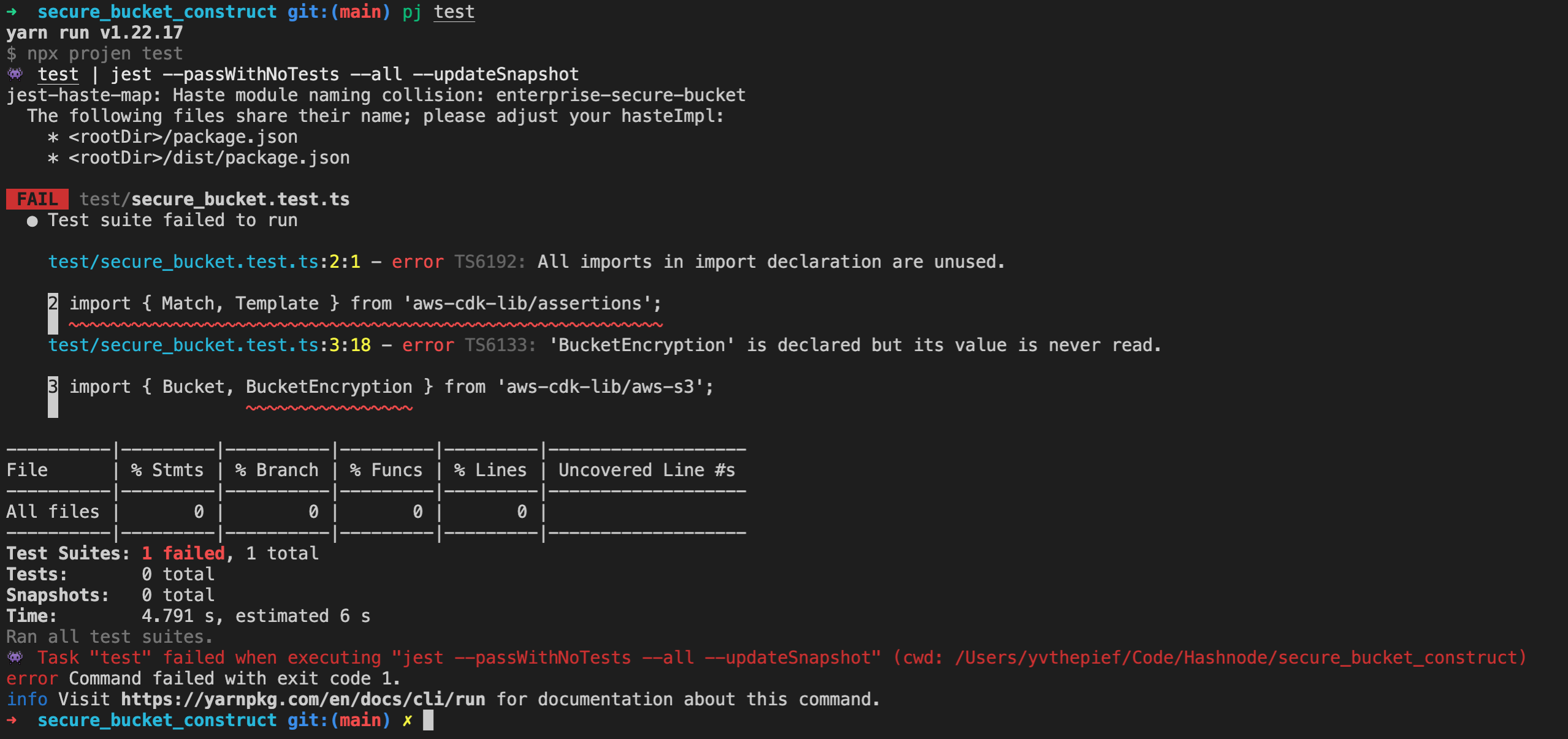
For testing the aws-cdk-lib has an assertions module available. First test to check if the bucket is created:
import { App, Stack } from 'aws-cdk-lib';
import { Bucket } from 'aws-cdk-lib/aws-s3';
import { SecureBucket } from '../src';

test('Exposes underlying bucket', () => {
  const mockApp = new App();
  const stack = new Stack(mockApp, 'testing-stack');

  const bucketWrapper = new SecureBucket(stack, 'testing', {});
  expect(bucketWrapper.bucket).toBeInstanceOf(Bucket);
});
More tests can be added:
- Has one encrypted Bucket
- Has BucketVersioning enabled
- Has BlockPublicAccess to BLOCK_ALL
- Has Bucket Logging enabled
- Does not allow for unencrypted buckets
- Uses KMS encryption with key rotation on key
Distribute
With projen it is possible to distribute your builded package to NPM and other package providers. All you have to do is setup a github secret for your repository and generate a NPM token.
Try yourself
Experiment with projen to build your own constructs. Code can be found in my GitHub
Have questions about CDK constructs or security? Find me on Twitter or LinkedIn.